Pack It Perfect is a relaxing box puzzle with one simple goal: fit every item in the box. Drag the colorful items in from the tray, tap to turn them and leave no gaps. Fill every last cell for a Perfect Pack and bonus points. 240 levels across 8 worlds bring new rules one at a time, and a new Box of the Day waits every day. Plays offline, no account needed. Free to play with ads and optional in-app purchases.
What’s inside
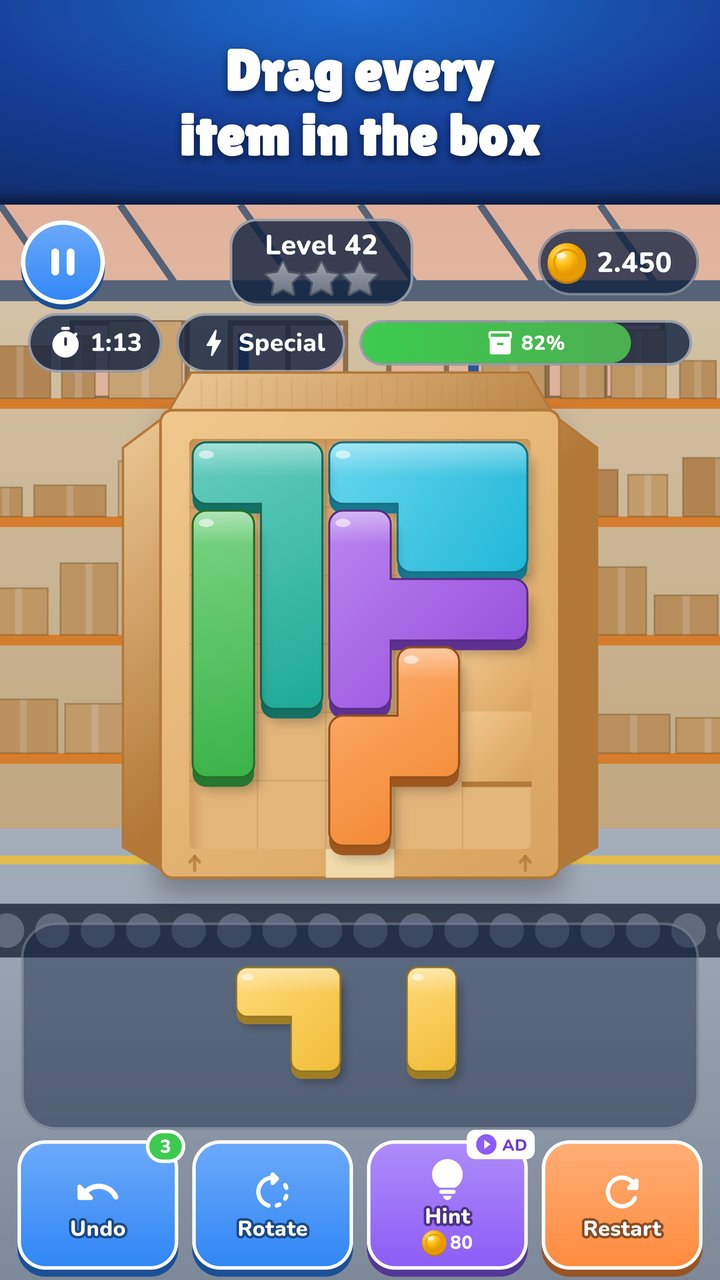
- Drag, turn, fitDrag items from the tray into the box and tap one to turn it. Pack every item to finish the level. Every box has a solution.
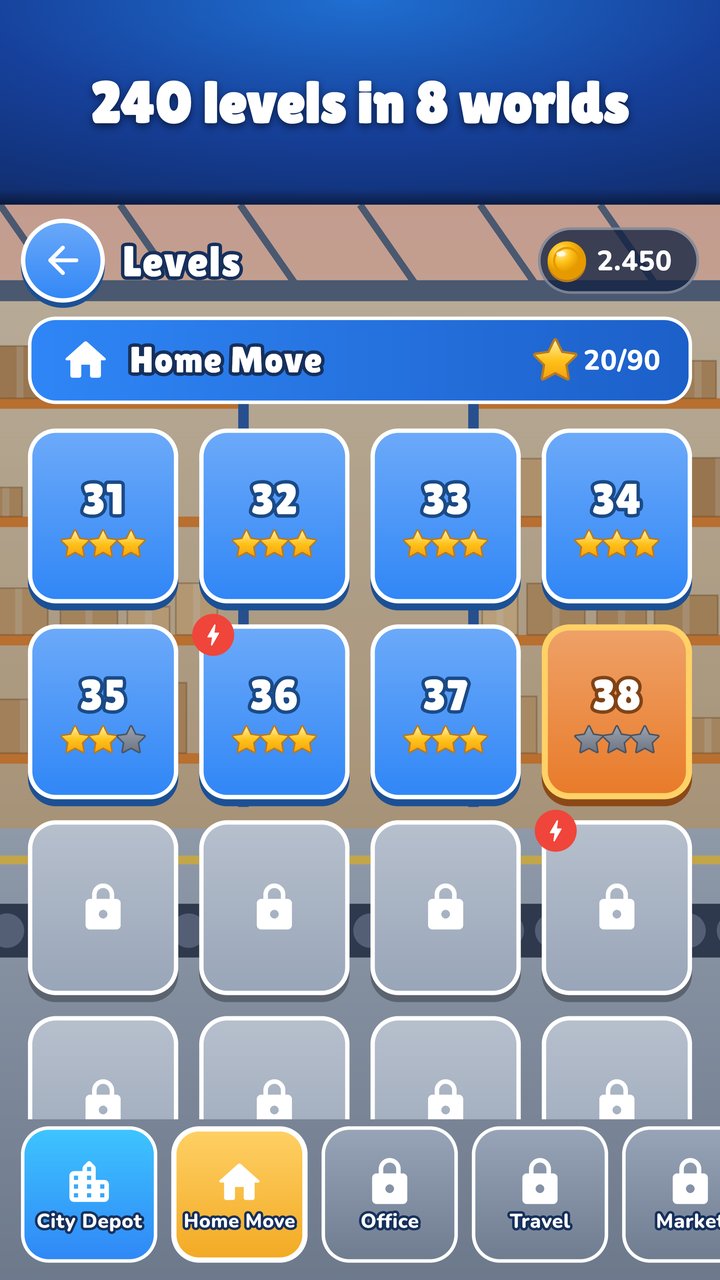
- 240 levels in 8 worldsFrom City Depot and Home Move to Toy Shop and Forest Cabin. Bonus items, odd-shaped boxes, locked items, move limits and timed boxes arrive one at a time.
- A new box every dayThe Box of the Day is the same for every player. Keep your streak going, and collect daily and weekly missions, a bonus chest and achievements.
- Box themes and item skins8 box themes from the classic cardboard box to a suitcase and a wooden chest, and 8 item skins from pastel to neon and crystal. Try them on before you buy them with coins.
- Plays offline, in 21 languagesNo Wi-Fi and no account needed. Hints and undo help when you are stuck, Relaxed Mode turns off the clock, and high contrast symbols and reduce motion are built in.
How to play Pack It Perfect
Each level gives you an empty box drawn as a grid and a tray of colorful items made of square cells. Get every item into the box.
- Drag an item into the box. Pick it up from the tray and drop it where it fits. Items cannot overlap each other or hang over the edge.
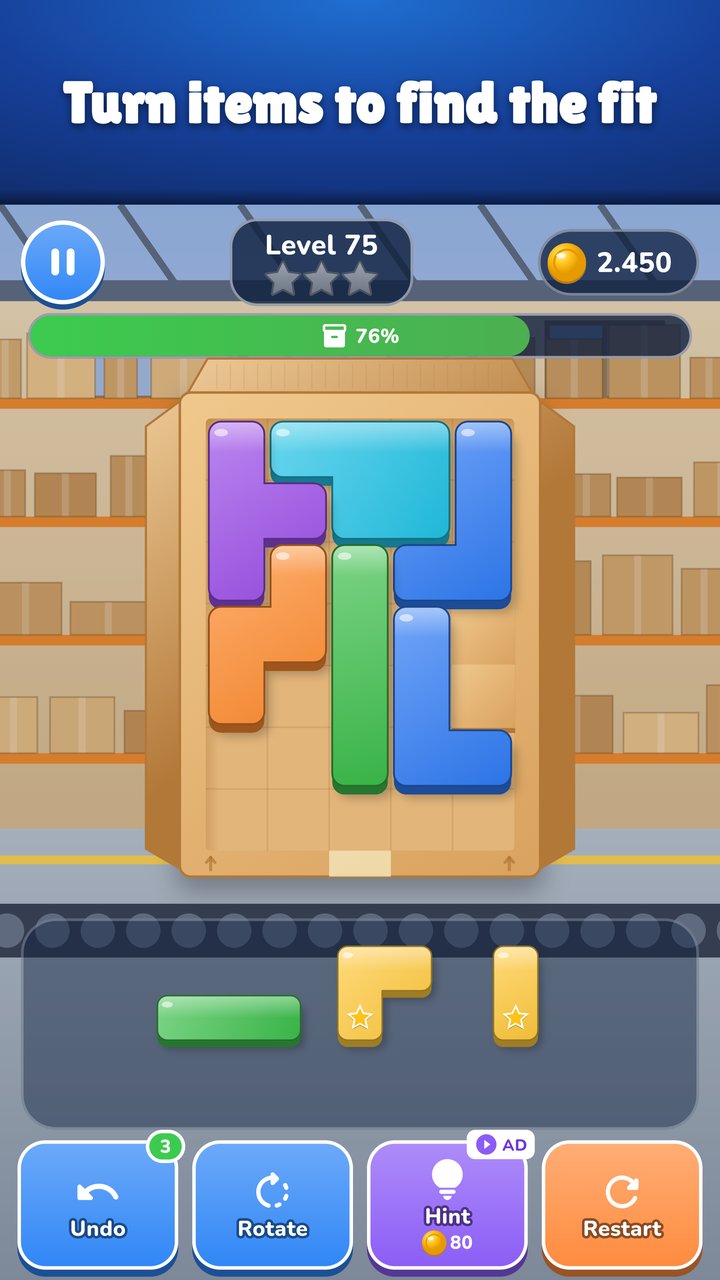
- Turn it if needed. Tap an item to give it a quarter turn. This works in the tray and inside the box, as long as the turned shape still fits where it sits. Items with a padlock cannot be turned at all.
- Rearrange freely. If an item is in the wrong place, drag it back out to the tray and try again.
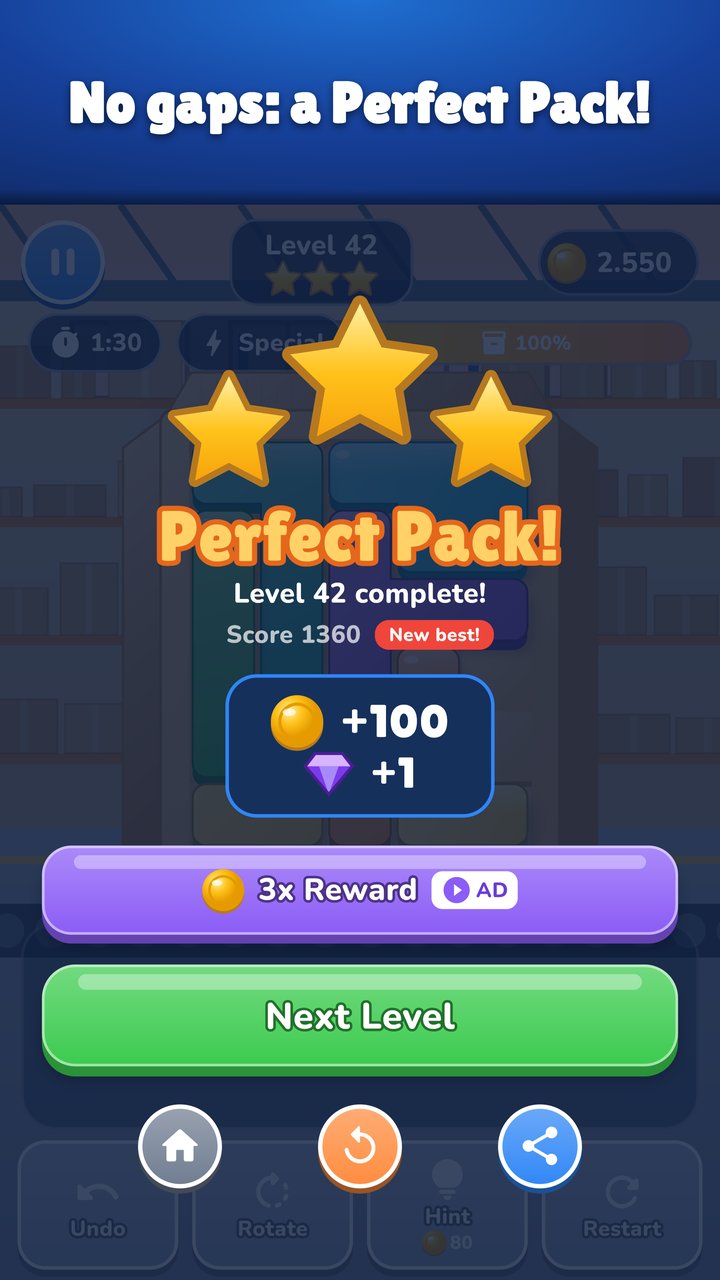
- Finish the level. Once every regular item is packed, the level is done. Items marked with a star are bonus items: packing them too fills every last gap and earns a Perfect Pack.
Every box has at least one solution, so if nothing seems to fit, the answer is a different arrangement rather than a missing space.
How stars work
One star is any finish. Two stars need a tidy run without lots of wasted moves. Three stars need a tidy run plus, on levels with bonus items, a Perfect Pack. Hints lower your score a little, so solving on your own counts for more.
Strategy tips
- Place the biggest and most awkward items first. Five-cell shapes, crosses and zigzags have the fewest places they can go. Once they are in, small items fill the leftover gaps easily.
- Start in the corners. Corners and edges limit how a shape can sit, which makes it easier to see what fits.
- Count the cells. If a gap has three cells and the remaining items are all four cells or more, something has to move. Spotting this early saves a lot of trial and error.
- Check locked items before anything else. A padlocked item has only one orientation, so find its home first and pack the flexible pieces around it.
- Work around fixed parcels. Some boxes already contain a parcel that cannot move. Treat it like an extra wall and plan the shapes beside it.
- Turn before you drag. Set the right orientation in the tray, then drop the item in one clean move. On move-limit levels this matters, because every drop into the box uses a move.
- Use undo wisely. Undo is free three times per level, then it costs coins. On move-limit levels, undo does not give moves back, so think before you drop.
Common mistakes
- Leaving single-cell holes. A lone empty cell surrounded by items can only be filled by a one-cell piece. If there is none left, that spot is a dead end.
- Filling the middle first. Packing the center early tends to split the box into odd leftover spaces that no shape fits.
- Ignoring the star items. You can finish without them using the Pack it! button, but skipping them means no Perfect Pack and often no third star.
- Forgetting about odd-shaped boxes. Some boxes have corners cut out. Only the open floor counts, so check the outline before you plan.
About packing puzzles
Packing puzzles go back to classic tiling problems: fitting a set of shapes into a given area with no overlaps. Pieces made of joined squares, often called polyominoes, are the best-known example. They train spatial reasoning, because you need to picture how a shape looks after a turn and how the remaining space will look after each placement.
Controls and accessibility
On a phone or tablet, drag items with your finger and tap one to turn it. In the browser version you do the same with a mouse: click and drag to move an item, click it to turn it.
Options that make the game more comfortable:
- Relaxed Mode removes the clock from timed levels.
- High Contrast adds a symbol to every item shape, so pieces are easy to tell apart without relying on color.
- Reduce Motion keeps animations calm, and can follow your system setting.
- Separate switches for music, sound and vibration.
Frequently asked questions
What does a hint do?
A hint either packs one item in its correct spot or, if the items already in the box make a full pack impossible, highlights the item you should take out.
What kinds of new rules appear later?
The worlds introduce ideas one at a time: bonus star items, odd-shaped boxes, bigger T, S and L shapes, five-cell pieces, parcels that are already inside, locked items, move limits and timed special boxes.
How is the Box of the Day different from normal levels?
It is a separate daily puzzle that is the same for every player. Packing it each day keeps your streak going, and it does not affect your progress through the worlds.
Can I change how the box and items look?
Yes. You can pick from eight box themes, such as the classic cardboard box, a suitcase or a wooden chest, and eight item skins, such as pastel, neon or crystal. You can preview each one before buying it.
Guides for Pack It Perfect
FAQ
Is Pack It Perfect free?
Yes, it is free to play and shows ads. A one-time Remove Ads purchase removes the banners and the ads between levels for good; optional reward videos stay available. A starter pack, coin and gem packs are also offered; coins and gems are virtual items with no real-world value.
Do I need an internet connection or an account?
No. The game plays offline and needs no account. Your progress is saved on your device; if you are signed in to Google Play Games or iCloud, a copy is kept in your own account so you can restore it on a new phone.
How do I delete my data?
Open Settings › Delete my data in the game and confirm. It wipes your progress on the device and the copy in your Google Play Games or iCloud account. You can also write to info@swoqy.com.