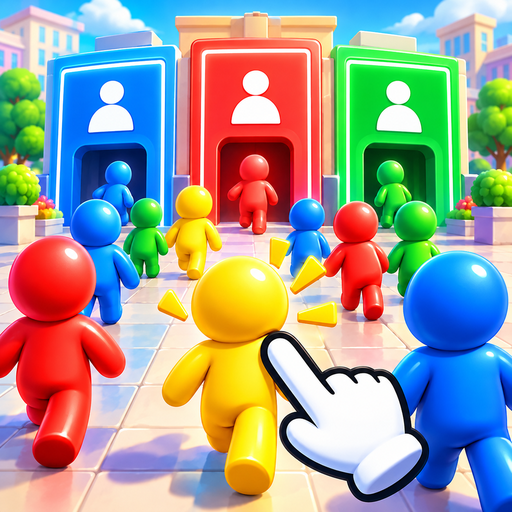
Sort the Crowd is a colorful people sorting puzzle. The next passenger waits on the glowing spot: tap the door of their color or swipe them toward it, line up same-color passengers for big combos, and fill every door to earn up to 3 stars. Special passengers, shutters, service carts, moving and locked doors and rush-hour levels keep the plan changing, across 10 themed places from the City Square to the Night Market and endless levels after that. Six power-ups, hats for your crowd, daily missions and achievements round it out. Plays offline, in 22 languages. Free to play with ads and optional in-app purchases.
What’s inside
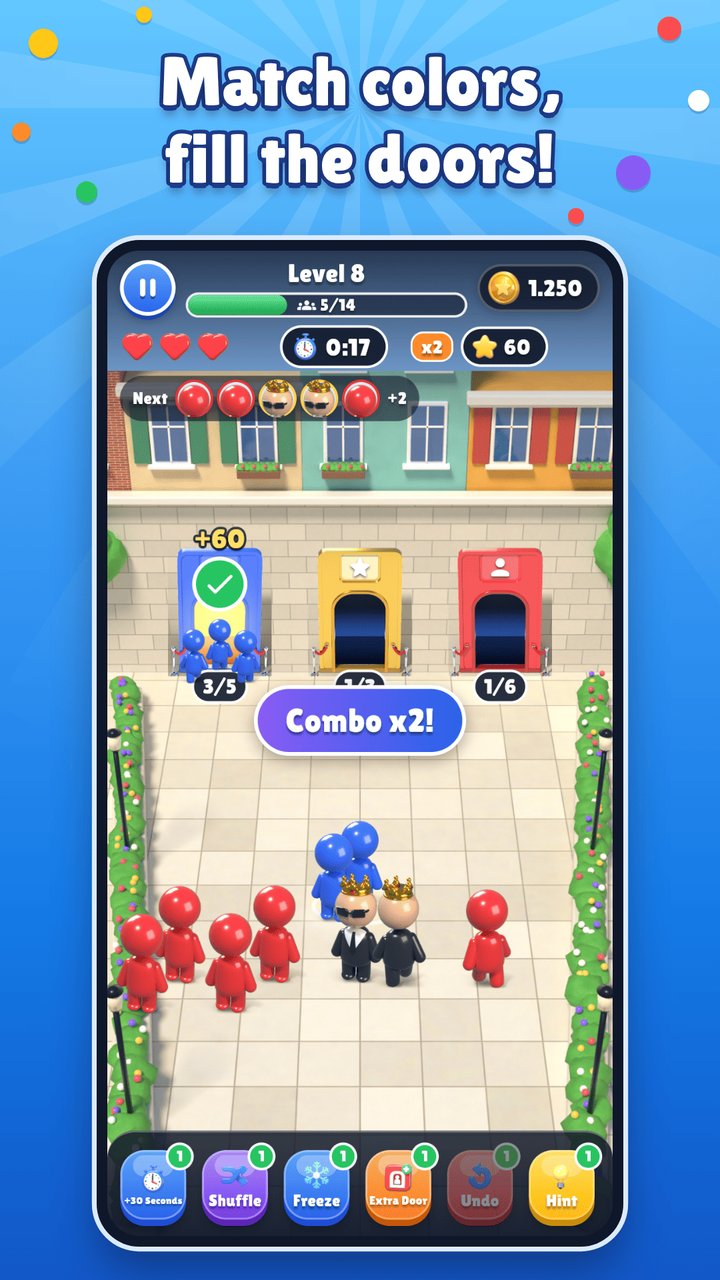
- Tap or swipe to sortSend each passenger to the door of their color. Same-color passengers walk together, so line them up for big combos. A wrong door costs a heart.
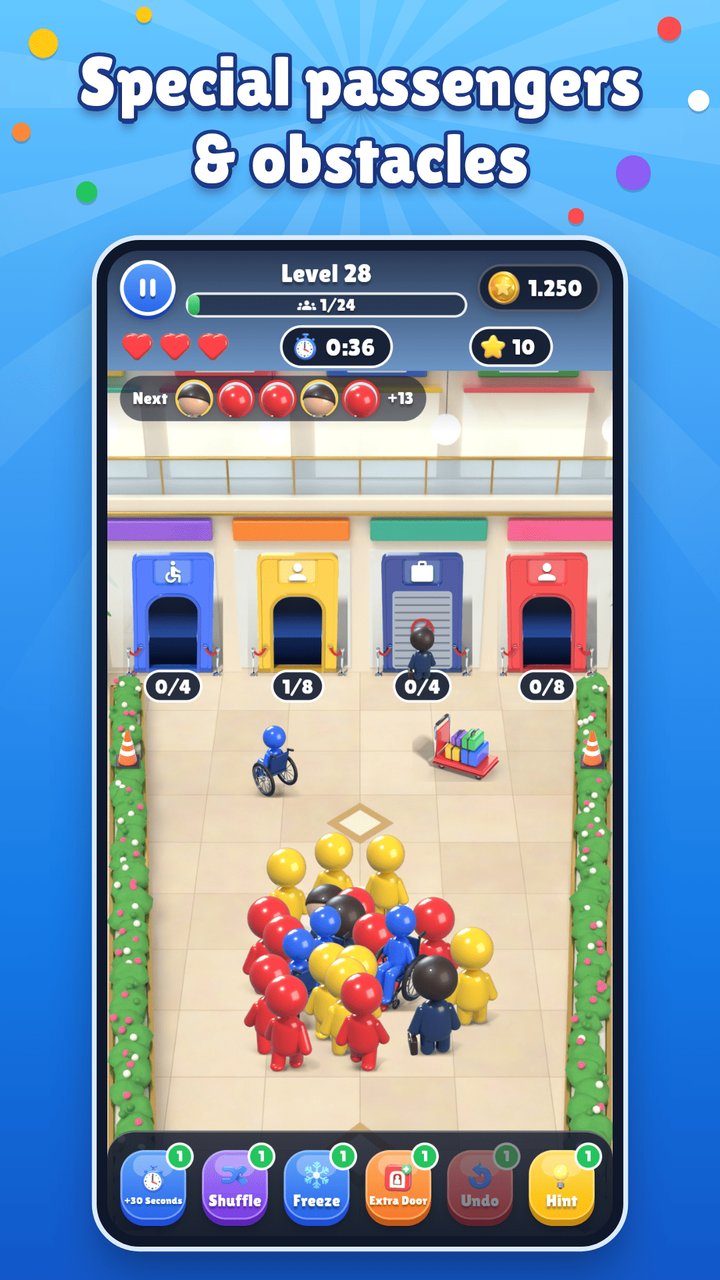
- Special passengers and obstaclesVIPs, wheelchair users, seniors, tourists and businesspeople each need their own door. Shutters, service carts, moving doors, locked doors and rush hour keep changing the plan.
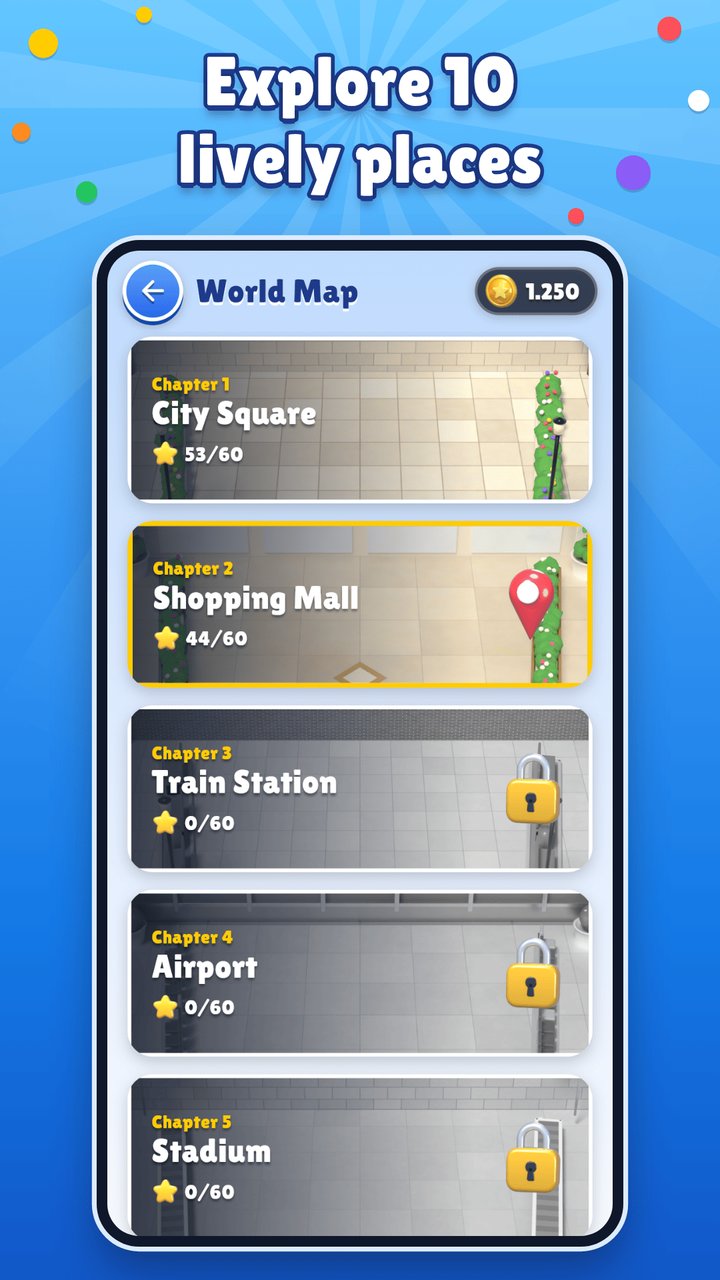
- 10 places, endless levelsTravel from the City Square through the Mall, Train Station, Airport, Stadium and more to the Night Market. After the 10 chapters the levels keep coming.
- Power-ups, hats and missionsSix power-ups get you out of a tight spot. Dress your crowd in hats up to the golden crown, and chase daily missions, weekly goals and achievements.
- Plays offline, in 22 languagesNo Wi-Fi and no account needed. High contrast mode adds shape badges to every color, and Reduce motion makes animations calmer.
How to play Sort the Crowd
A crowd waits in front of a row of colored doors. Send every passenger through the right door.
- Find the next passenger. The person on the glowing spot goes next, and the queue behind shows who is coming.
- Send them to a door. Tap the door you want, or swipe the passenger toward it. Regular passengers go to the door of their own color.
- Match special passengers by symbol. Special passengers ignore color and look for the door with their sign: VIPs with a crown go to the gold star door, wheelchair users to the wheelchair door, seniors with a cane to the senior door, children to the child door, tourists in sun hats to the camera door and businesspeople with a briefcase to the briefcase door.
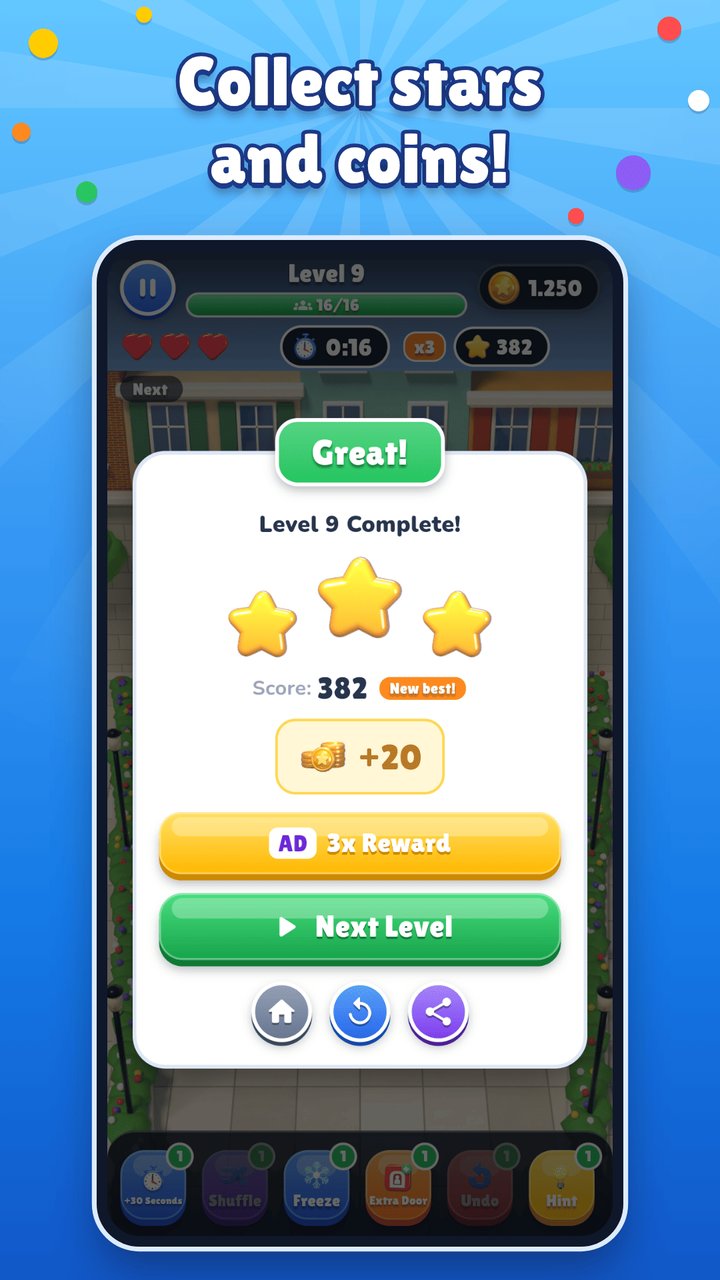
- Fill every door. When all doors are full, the level is complete. Your score decides how many of the three stars you earn.
You lose a heart each time someone walks through the wrong door, and the level ends if you run out of hearts. Some levels also have a timer, and the crowd must be sorted before it reaches zero.
Strategy tips
- Let groups do the work. Passengers of the same color standing in a row walk together when you send the first one. One tap can move several people, which saves time on the clock.
- Protect your combo. Each correct passenger adds to your combo. At 5 in a row your points double, at 10 they triple and at 20 they quadruple. A wrong door or a passenger bumped by a cart resets it to zero, so accuracy matters more than speed.
- Time your sends around the cart. A service cart crosses the square on some levels. If it hits a passenger, they walk back to the start. Wait for it to pass rather than lose time and your combo.
- Re-check doors after a swap. On levels with moving doors, two doors trade places every few passengers. Check the colors again instead of tapping from memory.
- Feed the door that unlocks the lock. A locked door opens only after another door receives enough passengers. Prioritizing that door early keeps you from getting stuck with nowhere to send someone.
- Keep power-ups for rush hour. Rush-hour levels bring a big crowd and a tight clock. Freeze, which stops the timer, carts and shutters for five seconds, and Shuffle, which lines up matching passengers, are most valuable there.
Common mistakes
- Sorting special passengers by color. A VIP or a tourist may be wearing a color, but they always go to their symbol door. Sending them by color costs a heart.
- Tapping into a closed shutter in a panic. Shutters close some doors for a moment. A passenger sent there simply waits until it reopens, which can hold up your whole line on a timed level.
- Rushing on untimed levels. Not every level has a clock. Without one, slowing down to keep your combo usually earns more stars.
- Forgetting the Undo option. If you lose a heart by mistake, the Undo power-up takes back your last wrong door and returns the heart.
About sorting puzzles
Sorting puzzles ask you to group items by a rule, usually color or shape, under some kind of pressure such as limited space, limited moves or a clock. The rule is learned in seconds, while the challenge grows with each new twist. Sort the Crowd keeps the color-matching core and adds layers on top: symbols that override color, doors that close or move, and a queue you have to read ahead.
Controls and accessibility
On phones and tablets, you tap a door or swipe the passenger toward it. In the browser version you click a door with the mouse or drag the passenger toward it; on a touch screen it works just like the app. Purchases are offered only in the mobile app.
Settings that make the game easier to follow:
- High contrast adds a shape badge to each color, so doors and passengers can be matched without relying on color alone.
- Reduce motion makes animations calmer.
- Separate switches for music, sound effects and vibration.
Frequently asked questions
How do I know which door a special passenger needs?
Most special passengers carry a visible clue such as a crown, a wheelchair, a cane, a sun hat or a briefcase, and the matching door shows a related sign. The How to play screen in Settings lists every passenger type and door symbol.
What does each power-up do?
There are six: +30 Seconds adds time, Shuffle lines up matching passengers, Freeze pauses the timer, carts and shutters for 5 seconds, Extra Door adds a joker door that accepts anyone for 10 seconds, Undo returns the heart from your last wrong door, and Hint shows the right door for the next 3 passengers.
Do hats change how the game plays?
No. Hats such as the cap, chef hat or golden crown are cosmetic. Your whole crowd wears the one you choose, and some unlock at higher levels.
What happens after the tenth place?
After the ten themed places, from the City Square to the Night Market, the levels keep coming, so there is always another crowd to sort.
Guides for Sort the Crowd
FAQ
Is Sort the Crowd free?
Yes, it is free to play and shows ads. A one-time Remove Ads purchase removes the banner and the ads between levels; optional reward videos stay available. A starter pack and coin packs are also offered; coins are virtual items with no real-world value.
Do I need an internet connection or an account?
No. The game plays offline and needs no account or sign-in. Your progress is saved only on your device.
How do I delete my data?
Open Settings › Delete my data in the game and confirm. It wipes your progress, coins, missions, settings and analytics data on the device. You can also write to info@swoqy.com.