
Tiny Supermarket: Shop Manager
Tiny Supermarket is a cute 3D time-management game about running a busy little store with one thumb. Shoppers show what they want in speech bubbles: tap an empty shelf and Mert the stocker brings goods from the storeroom, tap the register and Duru the cashier scans every item, and give fragile goods a second tap so they are packed safely. Serve everyone before their patience runs out and earn up to 3 stars. Play 300 levels in 6 stores, from the Corner Market to the Winter Market, each with its own twist, meet six kinds of shoppers, upgrade and decorate your store, dress up Duru and Mert and finish daily missions for the daily chest. All shoppers are computer-controlled, and the game plays offline. Free to play with ads and optional in-app purchases. No account needed.
What’s inside
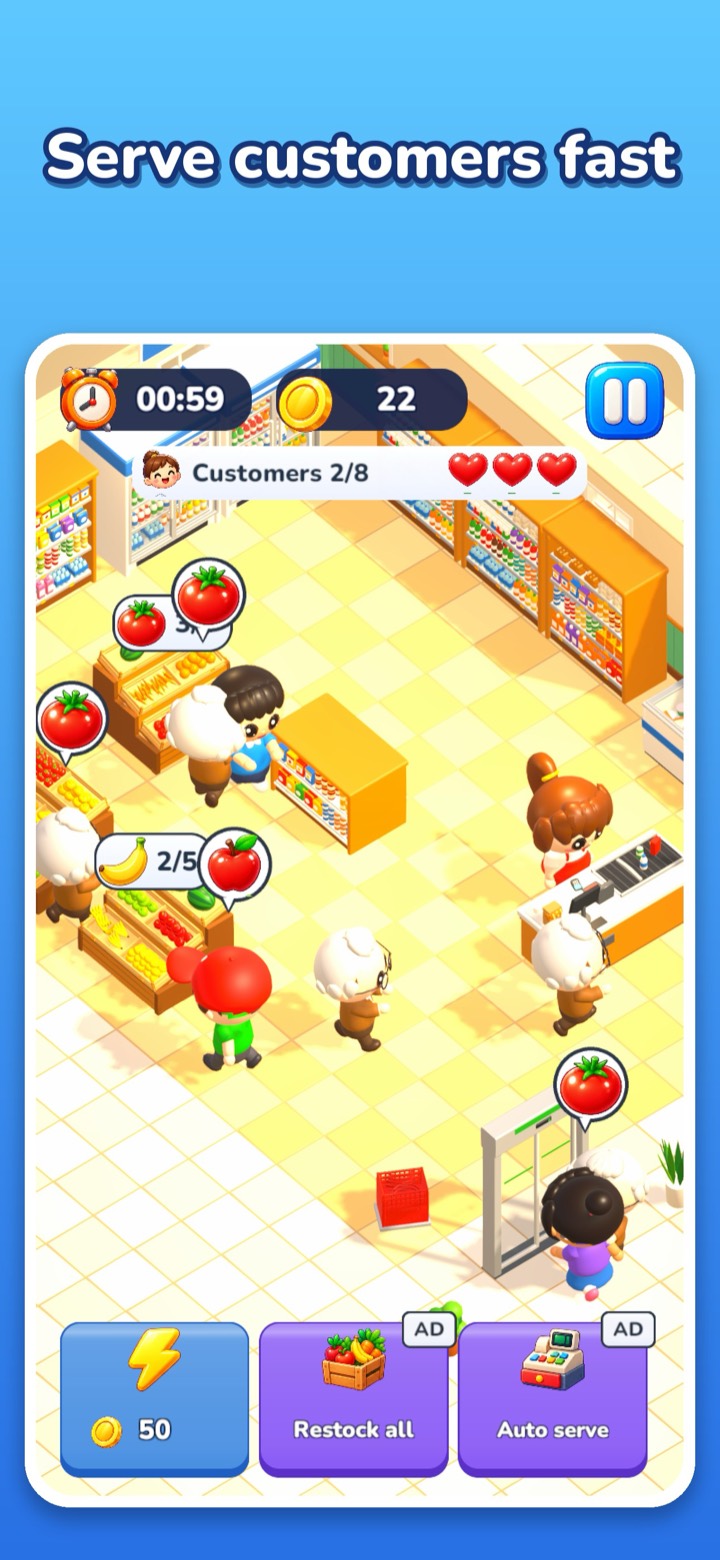
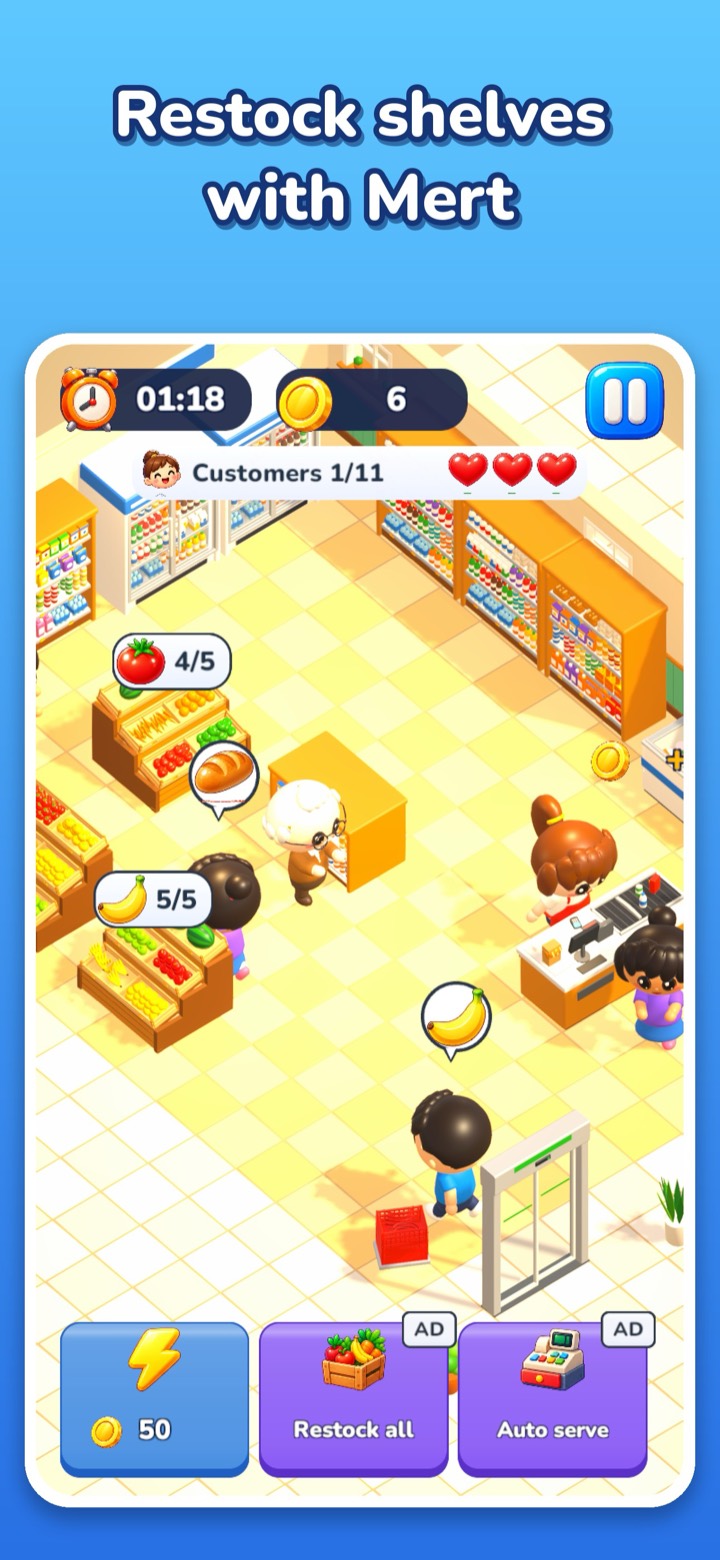
- One-thumb store rushTap a shelf and Mert restocks it, tap the register and Duru scans the items. Fragile goods need a second tap. Serve everyone before their patience runs out for up to 3 stars.
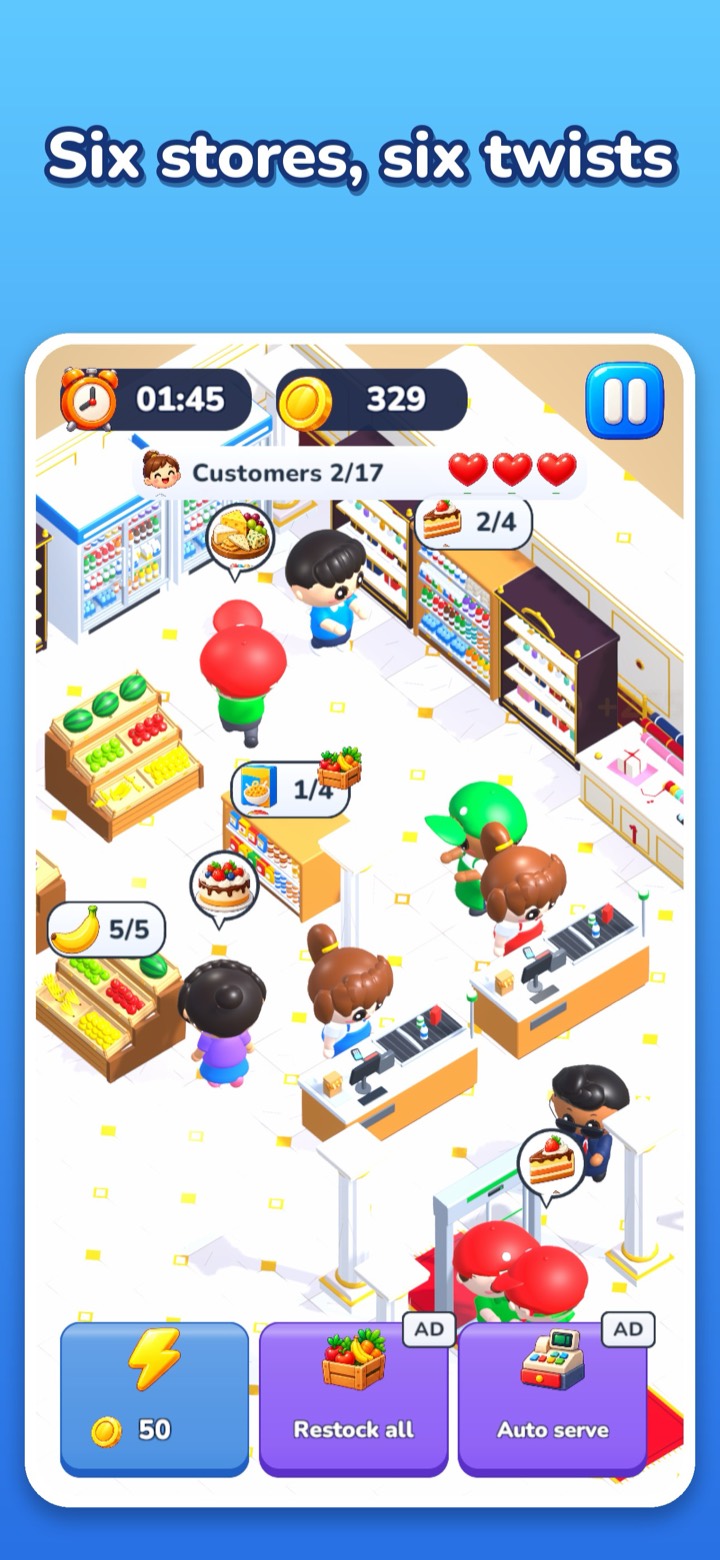
- 300 levels in 6 storesCorner Market, Supermarket, Organic Market, Shopping Mall, Beach Market and Winter Market: melting frozen food, wilting produce, gift wrapping, two registers and icy floors.
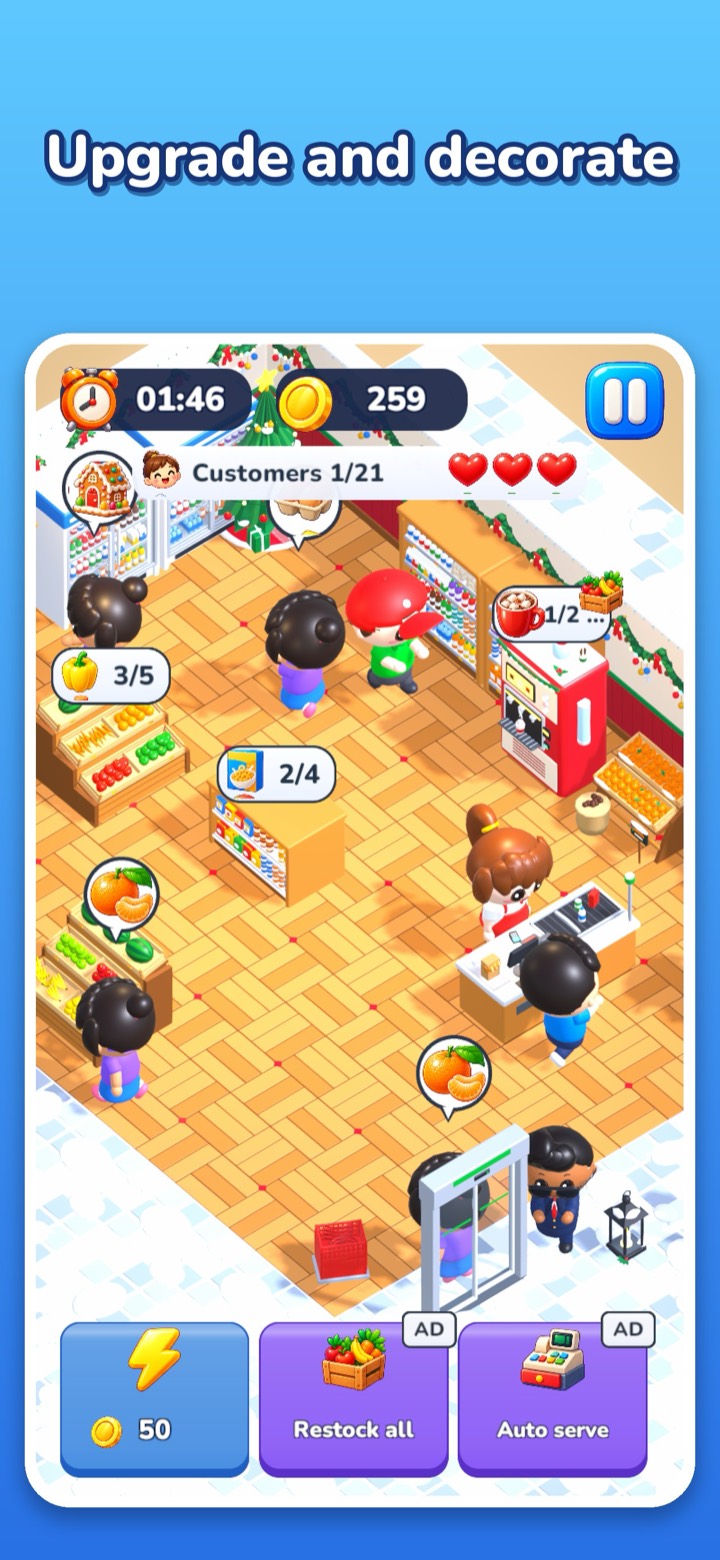
- Upgrade, decorate, dress upBigger shelves, faster scanning, floors, walls and plants, costumes for Duru and Mert, and daily missions that open the daily chest.
- Offline, no accountPlay on the bus or on a break without an internet connection. Progress is saved on your device; no sign-in needed.
How to play Tiny Supermarket
Tiny Supermarket is a time-management game: you give orders to two helpers with taps, and they do the work.
- Check the goal. Every level starts with a short card telling you how many customers to serve and how many seconds you have.
- Watch the bubbles. Shoppers walk in and show the products they want in speech bubbles. They head to the matching shelves and pick items up themselves.
- Keep shelves stocked. When a shelf runs empty, tap it (or the badge above it). Mert, the stocker, fetches goods from the storeroom and refills it. A shopper standing at an empty shelf just waits, and waiting costs patience.
- Run the register. When a customer reaches the checkout, tap the register. Duru, the cashier, scans one item per tap. Fragile goods such as eggs and juice need one extra tap so they get bagged safely.
- Protect the hearts. Waiting customers slowly lose patience. If too many leave unhappy, the level is lost. If the clock runs out before you reach the goal, the level is lost too.
Finish the goal and you earn one to three stars depending on your score. Stars matter beyond bragging rights: each new store opens once you have finished the previous one and collected enough stars.
Each store adds its own twist. In the Supermarket, frozen food melts and has to be scanned quickly, and the self-checkout sometimes jams until you tap it a few times. The Organic Market has produce that wilts unless you refresh the shelf. The Shopping Mall brings gift orders that need an extra tap to wrap, plus a second register. The Beach Market has midday heat, and the Winter Market adds snow, icy floor patches to clean and a hot chocolate machine you tap to brew.
Tips for a smooth shift
- Restock before a shelf is empty, not after. Mert handles restock orders one at a time, so a shelf you tap early is ready by the time the next shopper arrives.
- Read the queue, not just the register. If three bubbles show milk, the milk shelf is your next tap.
- Serve impatient and VIP shoppers first. Impatient customers wear a red cap and lose patience fast. VIP customers bring big baskets but pay double, so they are worth the attention.
- Don’t rush the elderly. Elderly shoppers walk slowly but are patient. You can let them take their time and deal with a busier customer first.
- Count fragile items as two taps. When you plan your next few seconds, remember that eggs, juice and other fragile goods take an extra tap at the register.
- Spend coins on upgrades that match your weak spot. Bigger shelves help if you keep running out, Fast register helps if the queue builds at the checkout, and Cozy store makes customers wait longer.
- Save Boost for rush moments. Boost briefly speeds up the stocker and doubles scanning, which is most useful when a group of shoppers arrives together.
Common mistakes
- Tapping the register too early. Duru only scans when a customer is actually at the checkout. Extra taps before then do nothing while a shelf may be running dry.
- Forgetting the timed twists. Frozen food that melts, produce that wilts and ice cream that melts even faster all have their own clocks. Check those first when you enter a new store.
- Leaving the icy floor or a jammed register alone. In the Winter Market and the Supermarket these small problems slow everything else down. Fixing them right away is usually cheaper than working around them.
About time-management games
Time-management games give you a small space, a stream of customers and more tasks than you can do at once. The fun comes from planning a few steps ahead and finding a rhythm, rather than from fast reflexes alone. Shops and cafés are classic settings because everyone already understands the job.
Controls and accessibility
The whole game is played with taps, so it works with one thumb on a phone held upright. In the browser version you click with the mouse instead. You can play Tiny Supermarket in your browser without installing anything.
Settings include separate switches for music, sound and vibration, a language picker and a “How to play” page that repeats the rules. Each new rule appears on a short card at the start of the level where it is introduced, so you never have to guess what changed.
FAQ
What are the six kinds of shoppers?
Regular shoppers, impatient shoppers in red caps, VIPs with big baskets who pay double, elderly shoppers who walk slowly but wait patiently, children who want snacks and tourists who shop all over the store.
How do daily missions work?
You get a set of daily missions, such as serving a number of customers or buying upgrades. Finishing all of them lets you open the chest for coins and a gem. Watching videos is only an optional mission.
What are gems used for?
Gems are mainly for costumes for Duru and Mert. Some costumes can only be unlocked by finishing the Winter Market. Costumes change looks only.
Are other shoppers real players?
No. All shoppers are computer-controlled characters. The game is single player.
Guides for Tiny Supermarket: Shop Manager
FAQ
Do I need an account? Is my progress backed up?
No account is needed. Progress is saved only on your device, and there is no cloud save: if you change phones or uninstall the game, local progress is lost unless your device backup restores it.
How do I restore my purchases?
Open Settings in the game and tap “Restore purchases”. Purchases are tied to your Google Play account on Android and your Apple ID on iOS, so use the account you bought with.
How do I delete my data?
In the game, open Settings and tap “Delete my data” to remove your progress from the device. For anything else, email info@swoqy.com with the subject “Delete my data”.
Can I play offline or in the browser?
Yes. The app works without an internet connection (ads and purchases need one). You can also play free in your browser at swoqy.com; there the progress stays in that browser and in-app purchases are not offered.