Word Harbor: Word Puzzle Game
Word Harbor is a calm word puzzle with big letters you can really read. Swipe or tap the letters to make words and fill the crossword, at your own pace: there is no timer and no lives. Pick Large, Very large or Huge text, play 2,000 levels of everyday words in your own language (English, Turkish, German, French, Spanish, Portuguese, Italian, Dutch, Swedish, Danish or Norwegian), solve the Daily Puzzle and save the words you like in your word book. It plays offline and needs no account. Free to play with ads; remove them anytime with a one-time purchase.
What’s inside
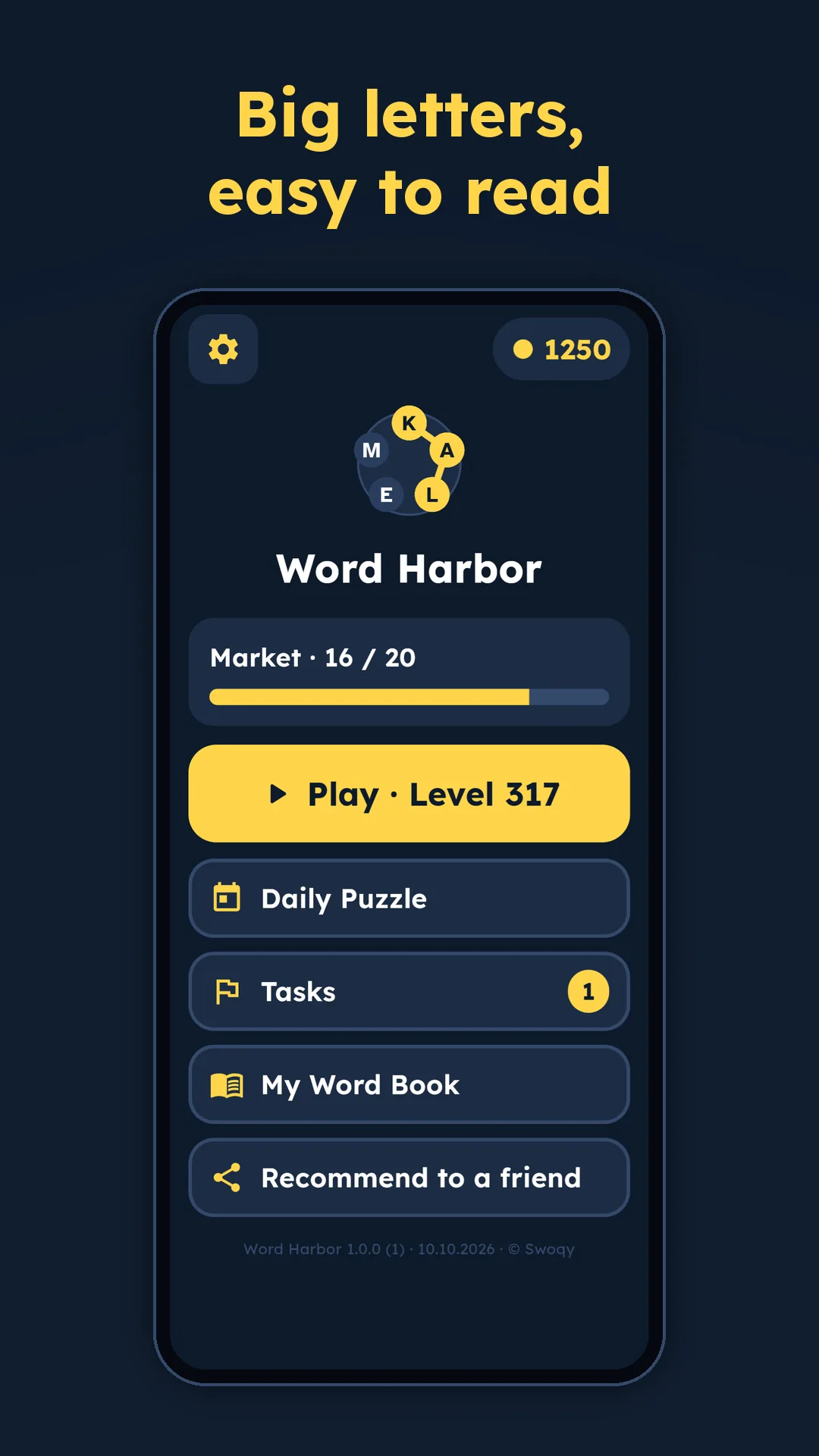
- Big letters, 3 text sizesChoose Large, Very large or Huge text on first launch and change it any time. High-contrast colors and big buttons.
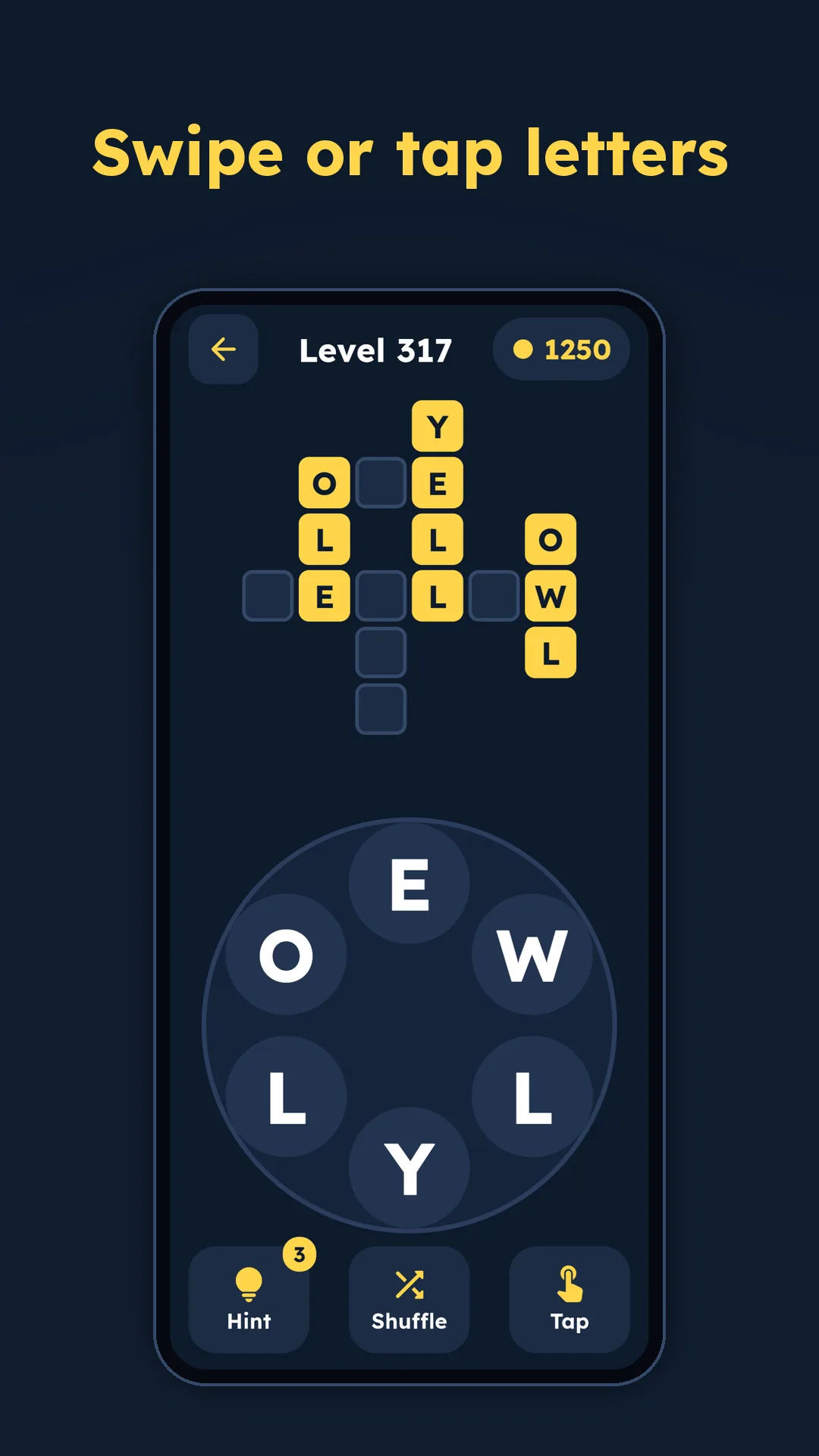
- Swipe or tapSlide across the letters, or switch to Tap mode and pick them one by one with a big Delete button.
- Words in your language2,000 levels of everyday words in each of 11 languages. Each language keeps its own progress.
- No timer, no livesTake as long as you like. Shuffle the letters as often as you want, and get 3 free hints every day.
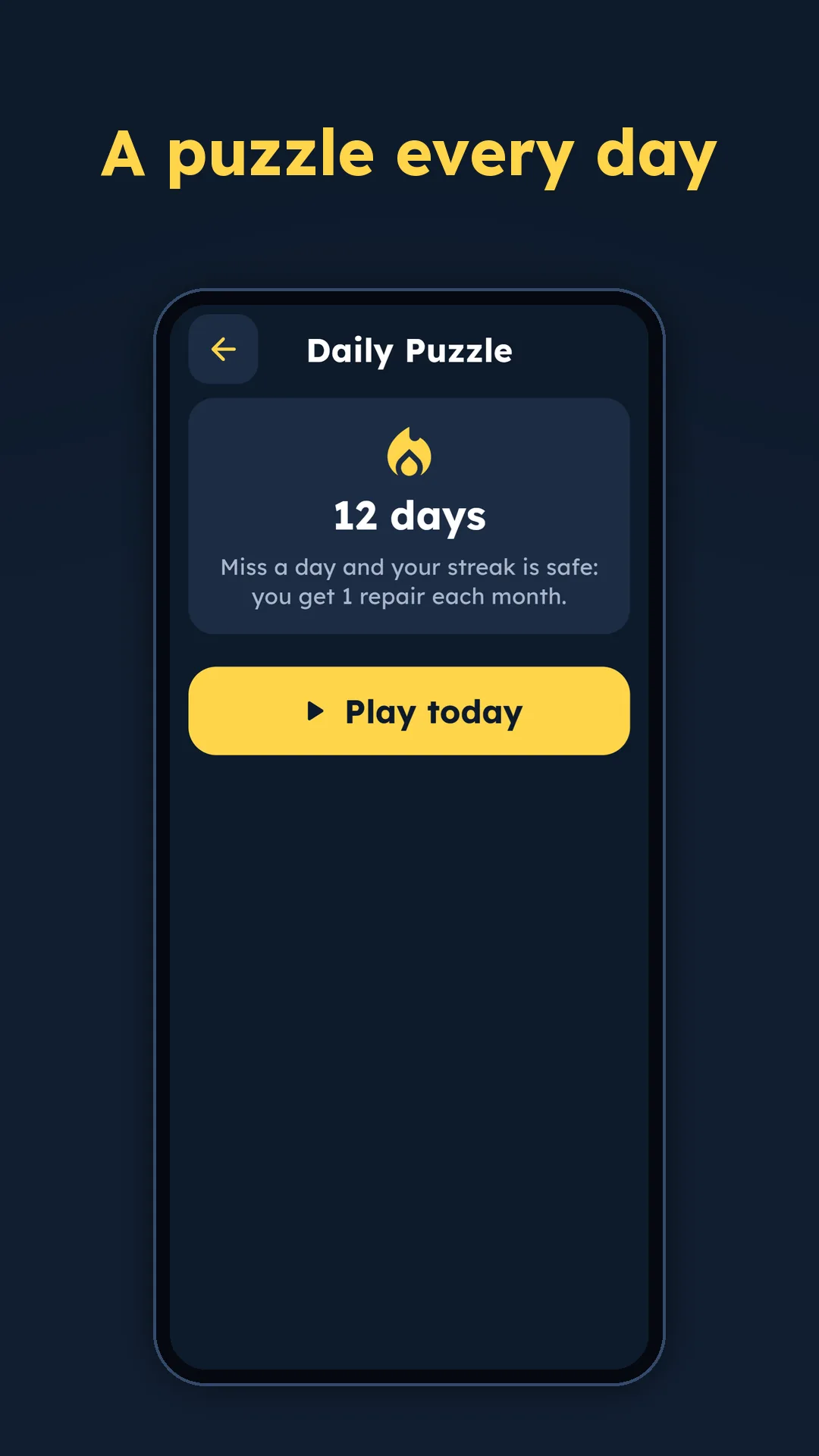
- Daily Puzzle and tasksA new puzzle every day with a streak (one repair a month keeps it safe), a daily reward and daily and weekly tasks.
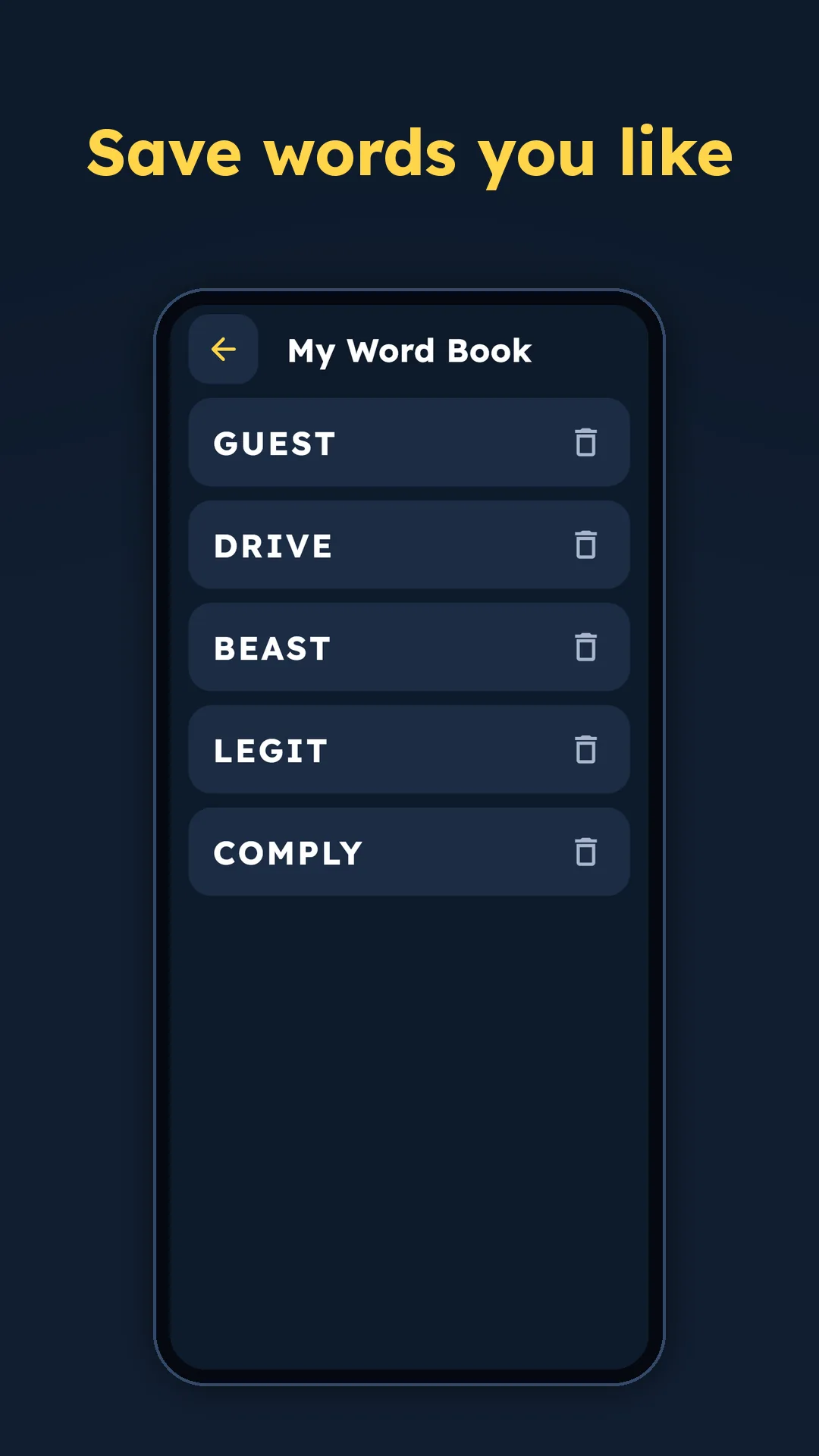
- My word bookLong-press any word you found to save it in your own word book.
How to play Word Harbor
Each level shows a small crossword grid and a ring of letters. Find every word in the grid using only those letters.
- Build a word. Slide your finger (or mouse) across the letters in order, then let go. If you prefer, switch to Tap mode and pick the letters one at a time; a large Delete button removes the last letter you chose.
- Watch where it lands. A correct word drops into its row or column. Each letter on the ring can be used only once per word, so a word with a double letter needs two of that letter on the ring.
- Keep the extras. Some real words can be spelled from the ring but are not part of the grid. These are bonus words: they earn a few coins but fill no cells.
- Fill the whole grid. The level ends when every answer has been found. There is no timer and no lives, so you can stop and think for as long as you like.
Words are at least three letters long in English and Turkish, and the grid shows you exactly how long each missing word is.
Strategy tips
- Start with the shortest slots. Three-letter words have the fewest possible combinations, and every one you place reveals letters that help with the longer words that cross it.
- Read the crossings. When a found word shares a cell with an empty slot, you already know one letter of the missing word and where it sits. Use that letter as an anchor and build the rest around it.
- Look for common endings. Endings such as -ED, -ING, -ER and plural -S in English, or -LER/-LAR and -LI/-Lİ in Turkish, often unlock several words from the same ring. Try adding them to words you have already found.
- Shuffle freely. The Shuffle button only moves the letters around the ring. It costs nothing and you can press it as often as you want. A new arrangement often reveals a hidden word.
- Save hints for the last stubborn word. A hint opens one letter, starting with the shortest word you have not found yet. Your daily free hints are used first, then coins. Trying a few more combinations before using one keeps them available for real dead ends.
- Pick a comfortable text size. If you are squinting, move up to Very large or Huge in Settings; clear letters make patterns easier to spot.
Common mistakes
- Forgetting that letters cannot repeat. If the ring has one E, you cannot use it twice in the same word, no matter how natural the word feels.
- Chasing only long words. Skipping the short slots leaves you without the crossing letters that make long words easy.
- Using a hint too early. Since a hint always goes to the shortest unfound word, using one at the start often reveals something you would have found in a few seconds anyway.
- Ignoring the “Not in this puzzle” message. If a word is not accepted and is not a bonus word, it is either misspelled or not in the game’s word list. Move on rather than retrying the same spelling.
About word-and-crossword puzzles
Word Harbor belongs to a popular family of games that mix anagrams with crossword grids. The anagram part asks you to rearrange a fixed set of letters into words; the crossword part adds structure, because every word you find shares letters with others. Because the letter set is small, these puzzles reward patient, systematic thinking more than speed.
Controls and accessibility
On a phone or tablet you swipe across the letters, or switch to Tap mode if swiping is uncomfortable. On the browser version you can play with a mouse by clicking and dragging across the letters, or tap them one by one on a touch screen.
Accessibility is built into the design rather than added later:
- Three text sizes (Large, Very large and Huge), chosen on first launch and changeable at any time.
- High-contrast colors and large buttons.
- A Less motion setting for calmer animations.
- Separate switches for sound effects and vibration.
- Swipe or Tap input, chosen in Settings or right on the game screen.
Frequently asked questions
What are bonus words, and do I have to find them?
Bonus words are real words that can be spelled from the letters on the ring but do not appear in the grid. You never need them to finish a level. They simply earn a few extra coins, and some tasks ask you to find a certain number of them.
What does a hint actually do?
A hint opens one letter in the grid. It always picks the shortest word you have not found yet, so the help goes where it is most useful. If a hint opens the last missing letter of a word, that word counts as found.
Can I keep the words I like?
Yes. Long-press any word you have found in a puzzle and it is saved to My Word Book.
What happens if I miss a day of the Daily Puzzle?
Your streak gets one repair per month, so missing a single day does not have to reset it.
Guides for Word Harbor: Word Puzzle Game
FAQ
Is Word Harbor free?
Yes, it is free to play and shows ads: a banner on the menus and an occasional ad between levels. A one-time Remove Ads purchase turns those off. Watching an ad for a hint or double coins is always optional.
Which languages are the words in?
English, Turkish, German, French, Spanish, Portuguese, Italian, Dutch, Swedish, Danish and Norwegian. The game picks your phone’s language and you can change it in Settings. In Japanese, Korean and Chinese the menus are translated and the puzzle words are English.
Do I need an internet connection or an account?
No. The game plays offline and needs no sign-up. Your progress is saved on your device only, so deleting the app also deletes it.
Can I play in my browser?
Yes. Use the “Play free” button above. No account is needed; your progress is saved in that browser only, so clearing its site data resets it.